Skype, off the desktop.
In 2014, Microsoft wanted to show where Skype for Business could go: out of the chat window and into the whole business day. As lead experience and UI designer at Tectonic, I designed the interfaces for the vision film.
goal
Skype for Business lived inside a single rectangle: the desktop client. The work it was meant to support didn’t. Conversations spilled into meeting rooms, phones, and broadcasts and back again. Microsoft wanted to show that future in a way people could react to, not another deck of diagrams.
It was an exploration, not a product, so there was nothing to ship and no metrics to report. The film was the deliverable, which meant every interface had to be believable on camera and clear in a few seconds.
what we did
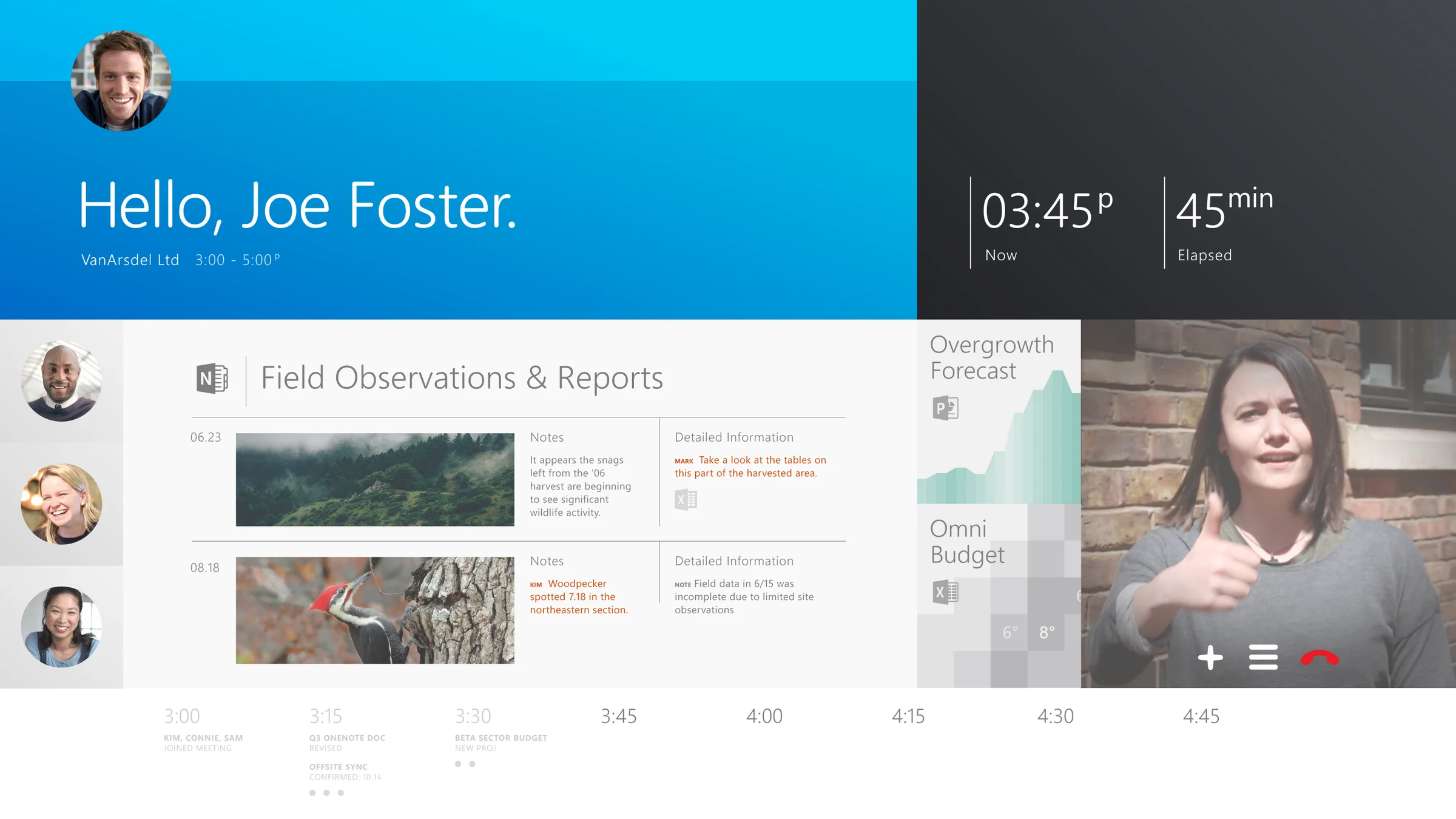
I led experience and UI design for every screen in the film. We scripted each on-screen moment and drew it for its real device, from a 55″ wall display to an iPhone, then animated it into the footage. Three scenes carry the story.
vignette 1: the meeting room reaches the forest
A meeting room greets the person who walks in and adds their document. A colleague in a forest sends live video to the wall, the room circles what it sees, and the same circle appears on her tablet. She takes a photo and it lands in the meeting.
vignette 2: the control tower catches a late shipment
A text arrives on a phone: the ship loaded early, when can we get the next shipment? At his desk, Skype recognizes the message, opens the clients that matter, and starts a group chat in the side panel. The data never moves. The conversation walks in beside it.
vignette 3: one broadcast, every language
A doctor presents clinical trial results to a global audience. Skype translates her speech into captions on a tablet in Spain and another in China, then lets a colleague catch the recording later and pulls him into his next appointment.
One vocabulary, every surface work shows up on.design intent, skype for business
result
8
devices designed to their own specs, from a 55″ wall display to an iPhone 6 Plus.
3
vignettes built on real work scenarios: a meeting room, a control tower, a clinical broadcast.
1
shared visual vocabulary that made the future feel like a product.